

You can now download your California driver's license to your smartphone.
The app, CA DMV Wallet (which was previously available but running for a limited number of users), is available for download on the Apple App Store or Google Play.
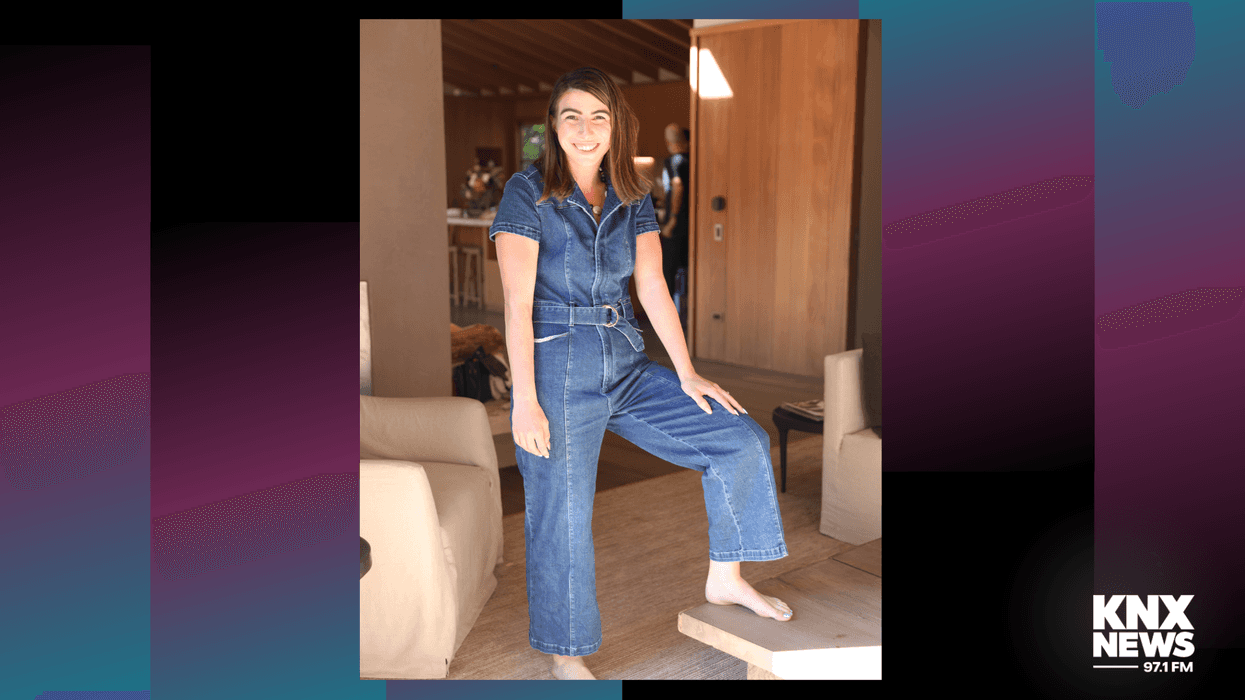
“If you have a driver's license, you just simply click a plus. You add your state ID to your Apple wallet and there's a little bit of a processing time and then it shows up and then you can start using it,” Serenity Thompson with the California Department of Motor Vehicles explained to KNX News’ Karen Adams
Thompson added that the information on your driver’s license is secure on your smartphone or watch.
“The fraud prevention that is just kind of built-in with the encryption and the biometric reading that is required to use it, it's convenient,” she said. “The phone is the center of modern life and now you have your ID in one form there. If you need to update your driver's license with a new address or something like that, you can easily do so on the mDL (mobile driver’s license) rather than wait for a new driver's license to arrive in the mail.”
Want to get caught up on what's happening in SoCal every weekday afternoon? Click to follow The L.A. Local wherever you get podcasts.
She added that it’s still crucial people carry their physical driver’s license and physical ID.
At this time, you can use the mDL to get through TSA at LAX, San Francisco International Airport, and San Jose Mineta International Airport.
For more information, click here.
Follow KNX News 97.1 FM
Twitter | Facebook | Instagram | TikTok